See how Mirsah fits the way you organize and use links.
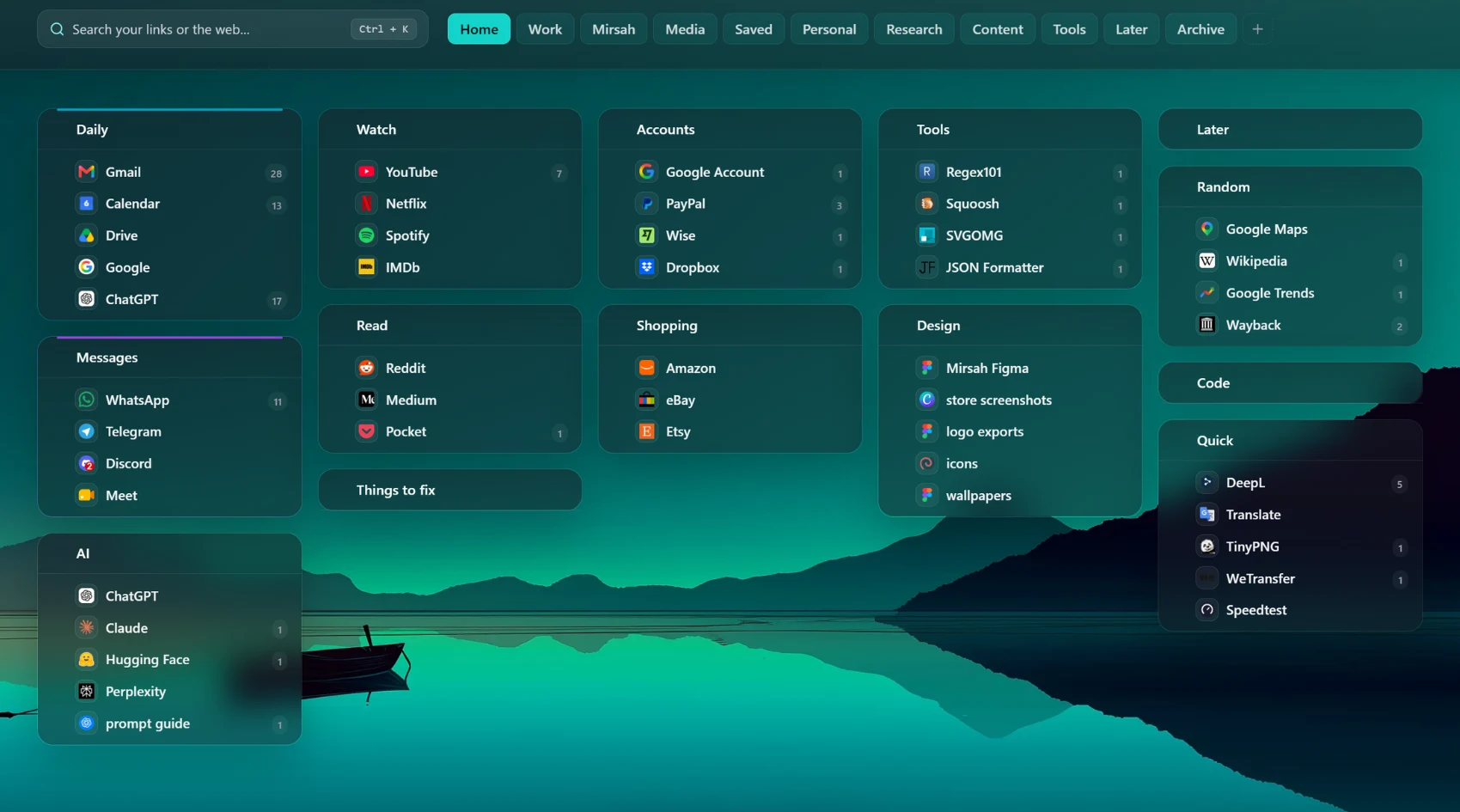
Mirsah is built around a simple workflow: separate contexts, keep related links together, save without losing your place, and find them again from every New Tab.
1 workspace, 3 groups, 30 bookmarks. Local storage, search, import and export. Pro: Unlimited workspaces, groups and bookmarks.
Give each context its own space.
Create Workspaces for areas such as work, learning, personal links, or a specific project. Inside each Workspace, Groups keep related links visible together. Drag and drop links and Groups as your structure changes.
Have too many Chrome bookmarks? Read the practical organization guide.
Add links without rebuilding your system.
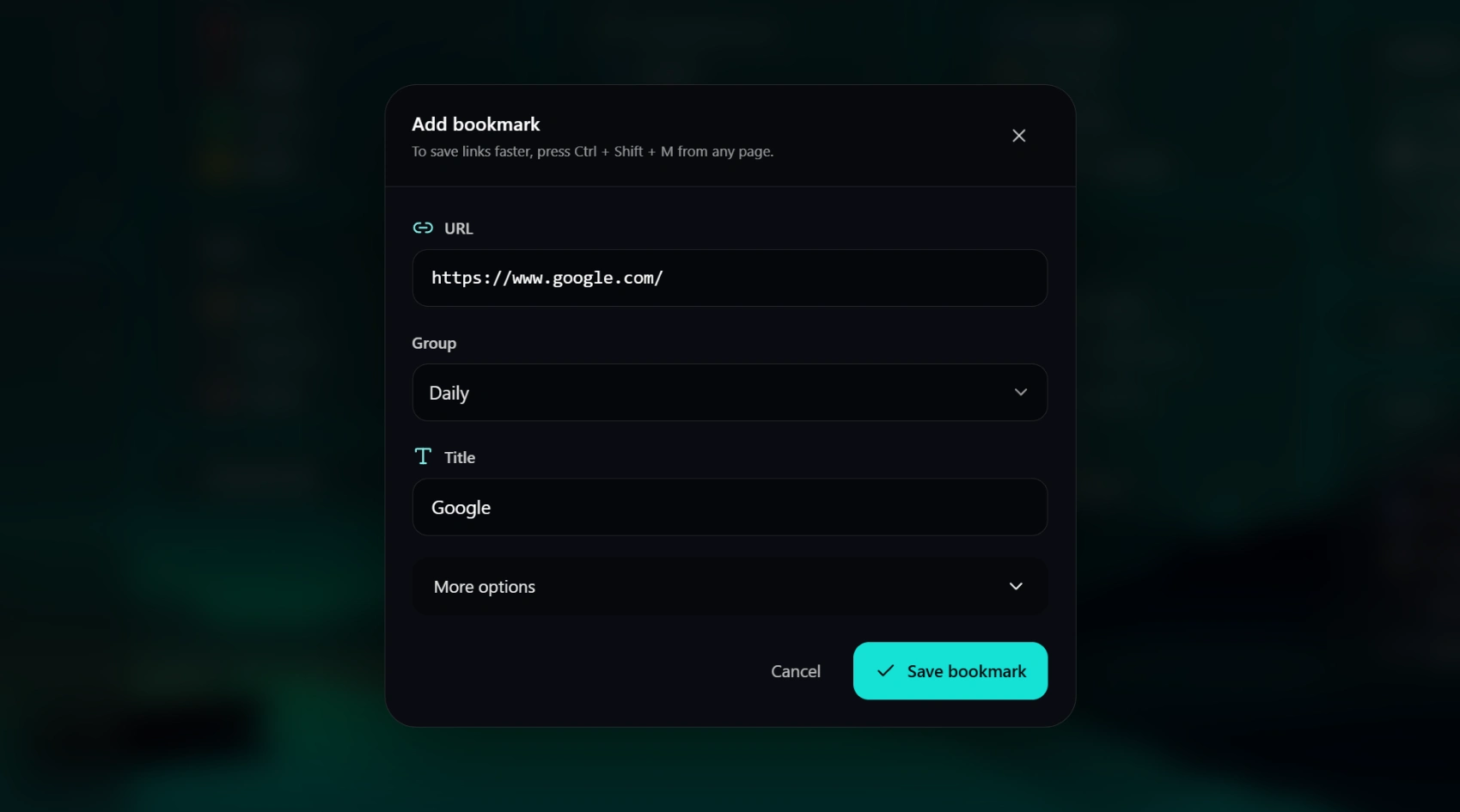
Add links directly, bring in bookmarks from a supported browser, or use Quick Save when you want to capture the current page. Quick Save is user-triggered and carries the page title and URL into Mirsah so you can finish saving it. Direct browser bookmark import is part of Free where supported; external bookmark-file import is a Free Lite option. 1 workspace, 3 groups, 30 bookmarks. Local storage, search, import and export.
Search what you saved, then choose when to search the web.
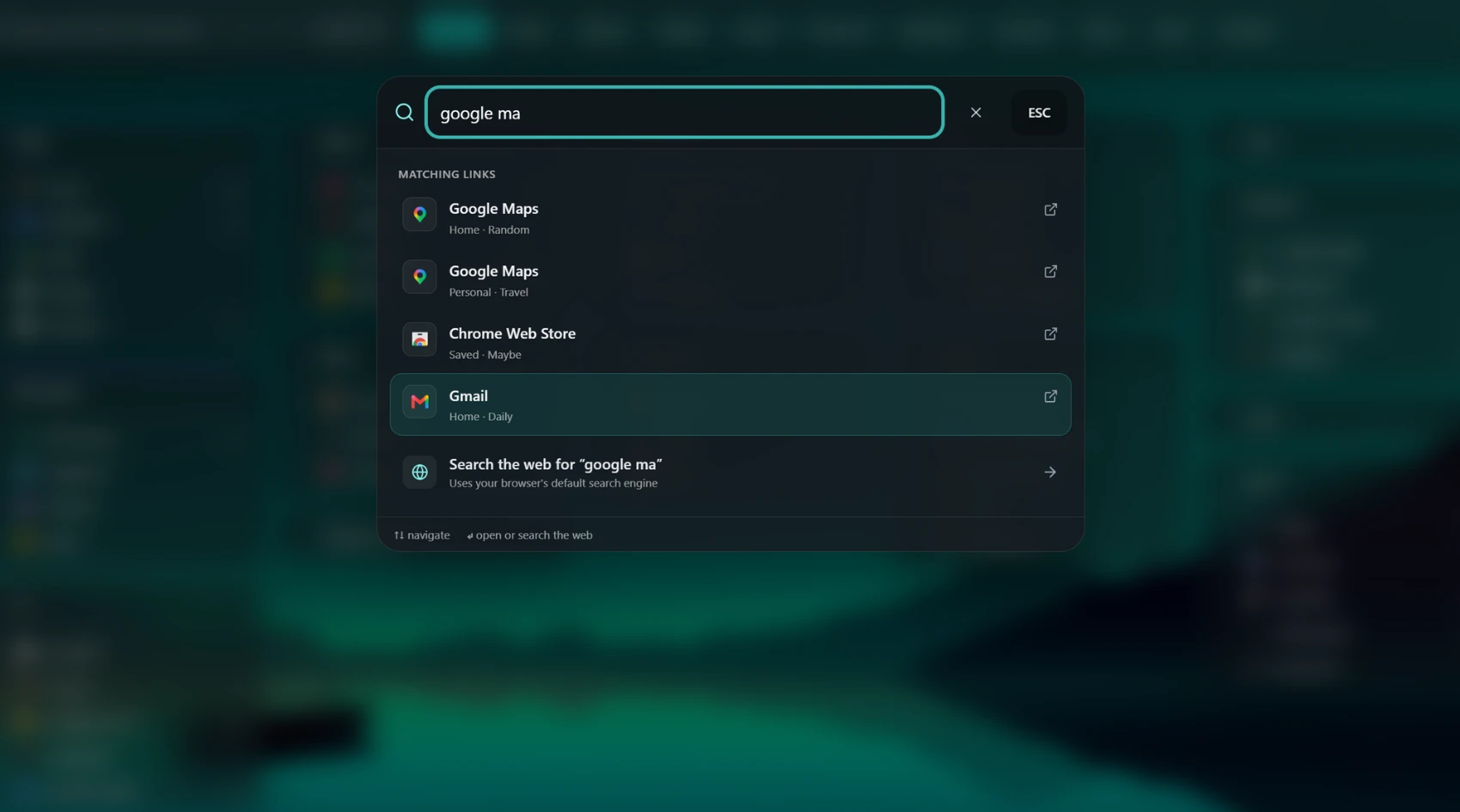
Mirsah searches the links saved in your Workspaces and Groups locally in the extension. Web search is a separate action: when you choose it, the query is passed to the browser search API and opens with your browser’s search provider.
Adjust the workspace without making customization the job.
Choose workspace layouts, density, and built-in wallpapers to make links easier to scan. Pro adds your own image or live wallpaper when you want a more personal New Tab.
Free + Pro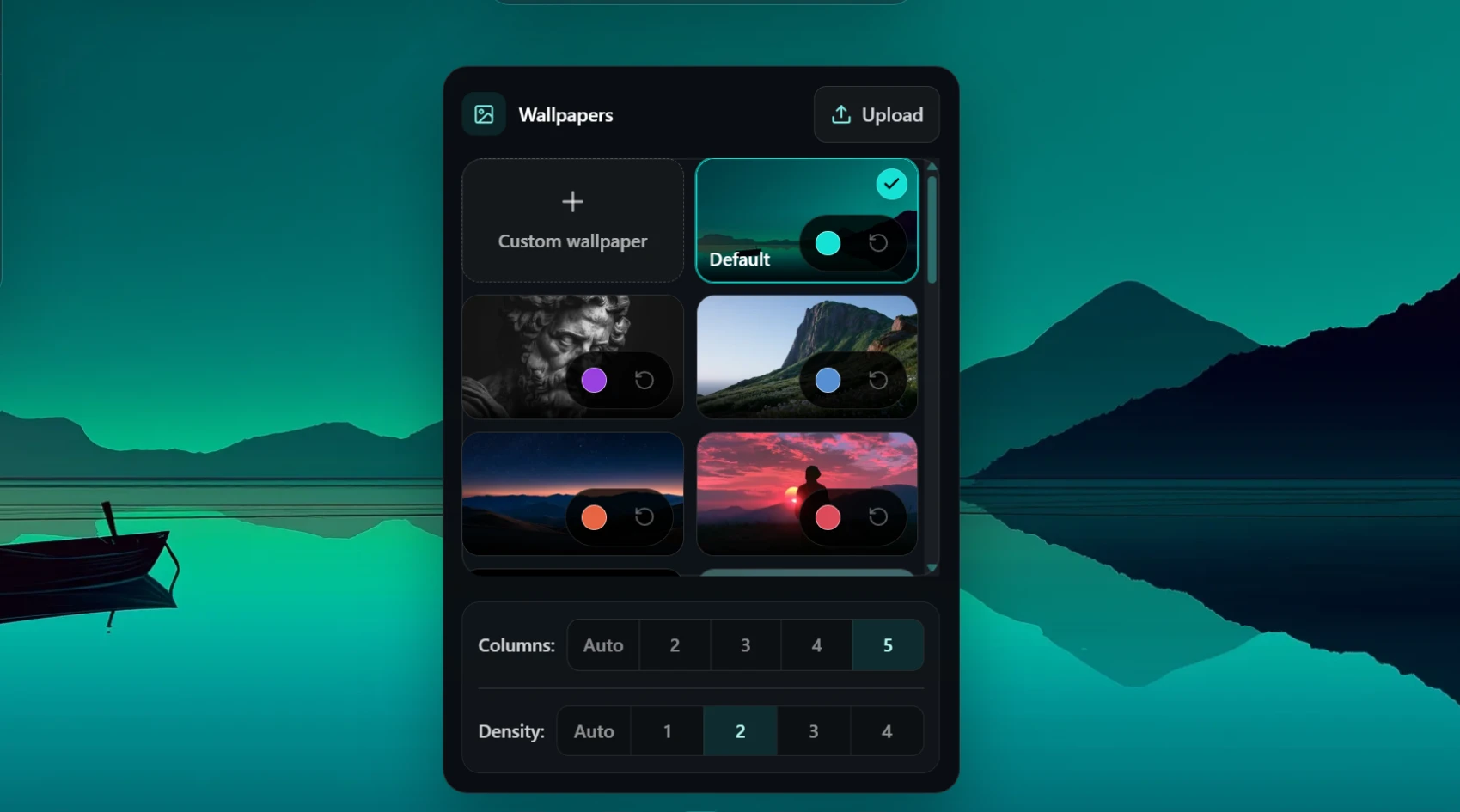
Use supporting tools when you need them.
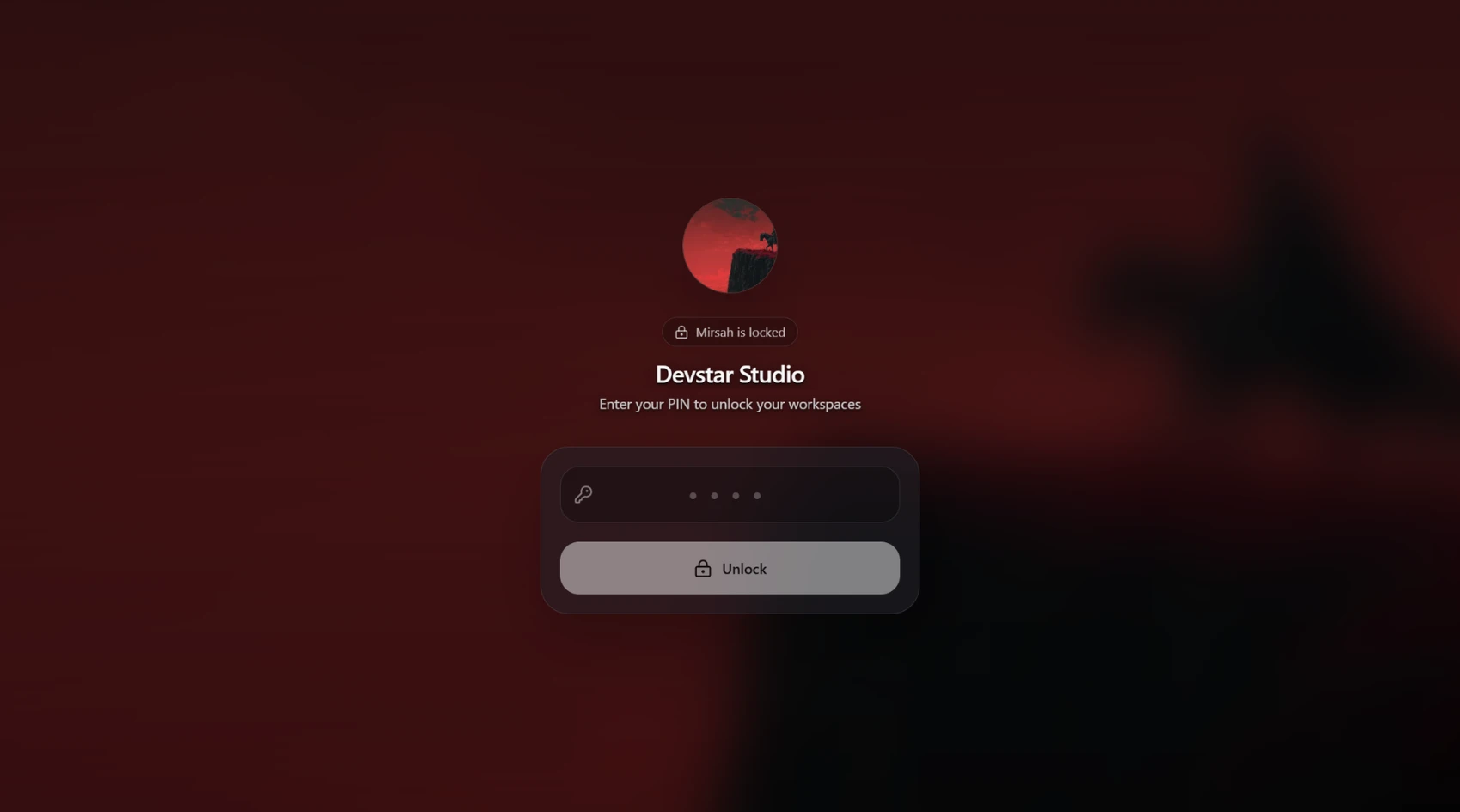
Pro includes Focus Mode with a clock and timer, plus Privacy Lock for hiding the Mirsah workspace when you step away. Privacy Lock protects the Mirsah view; it does not lock your computer, other browser tabs, or other apps.
Pro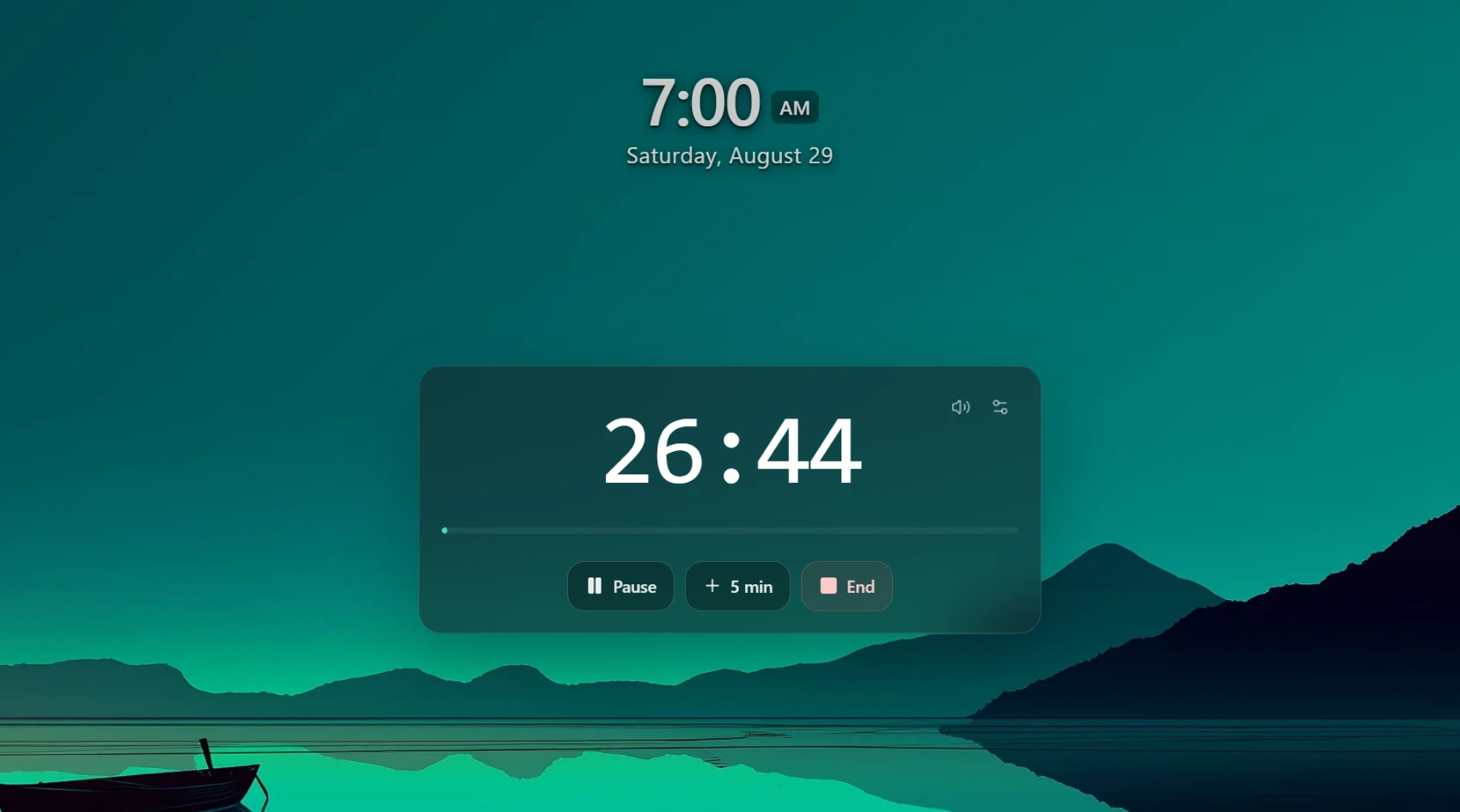
Keep a way back to the organization you built.
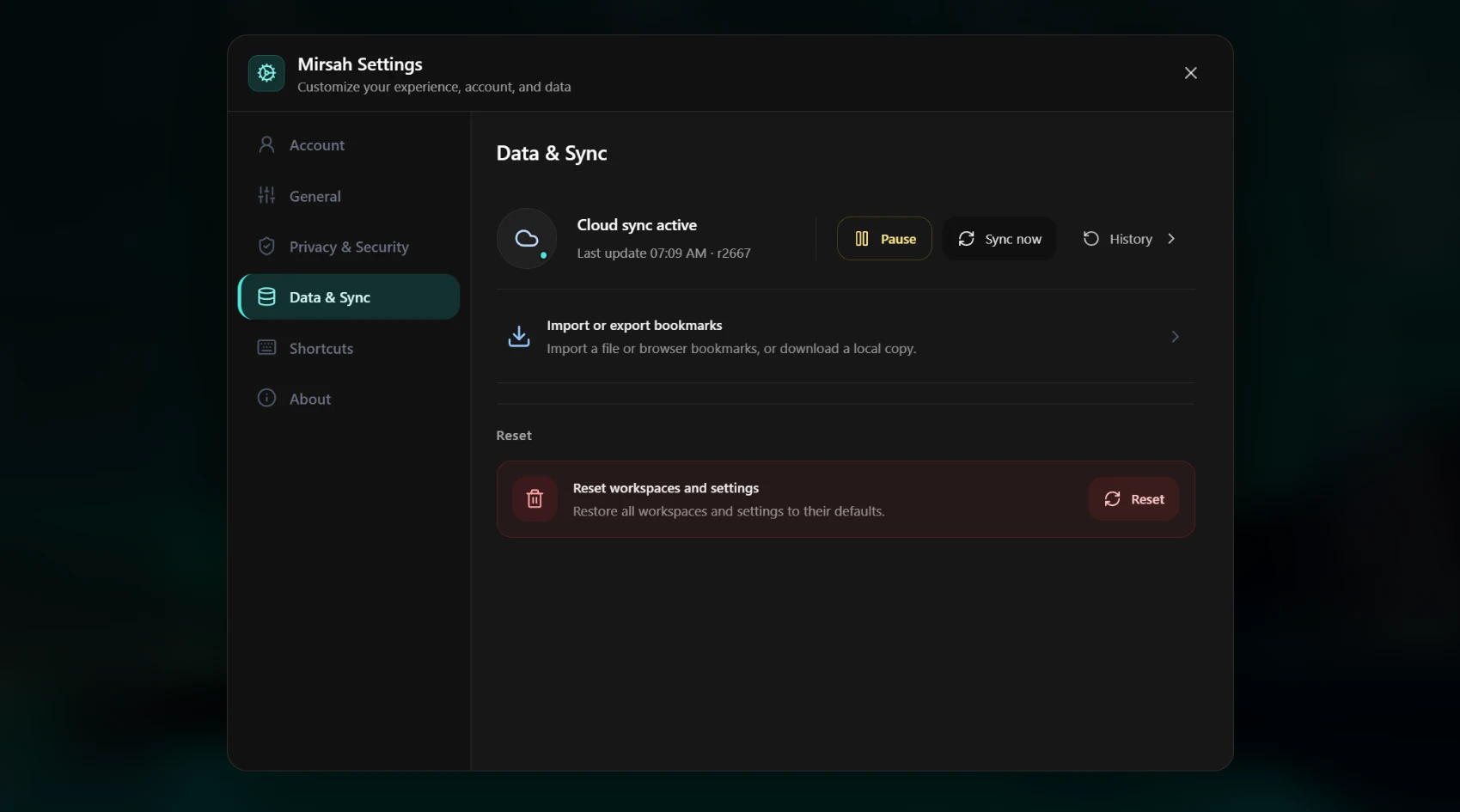
Free includes a local Mirsah backup. Pro can sync supported workspace data and settings for recovery across devices, but cloud sync is optional. On a new eligible account it stays off until you explicitly enable it.
Know what belongs to Free and what requires Pro.
This page explains workflows, not pricing. The homepage remains the source for the current plan comparison and subscription prices.
Core organization stays useful on Free.
1 workspace, 3 groups, 30 bookmarks. Local storage, search, import and export.
Pro adds optional advanced tools.
Unlimited workspaces, groups and bookmarks. Pro includes Focus Mode, Privacy Lock, custom image or live wallpapers, and supported cloud sync and recovery.
Need the exact plan comparison?
Review the current Free and Pro list on the homepage before deciding whether you need an upgrade.
Ready to build your first Workspace?
Follow the short setup path, or look through real Mirsah screens first.